Hello Calendly Support Team,
I am trying to integrate Calendly on my WordPress website (https://jdtheweb.com/) for my agency bookings, but I am facing an issue.
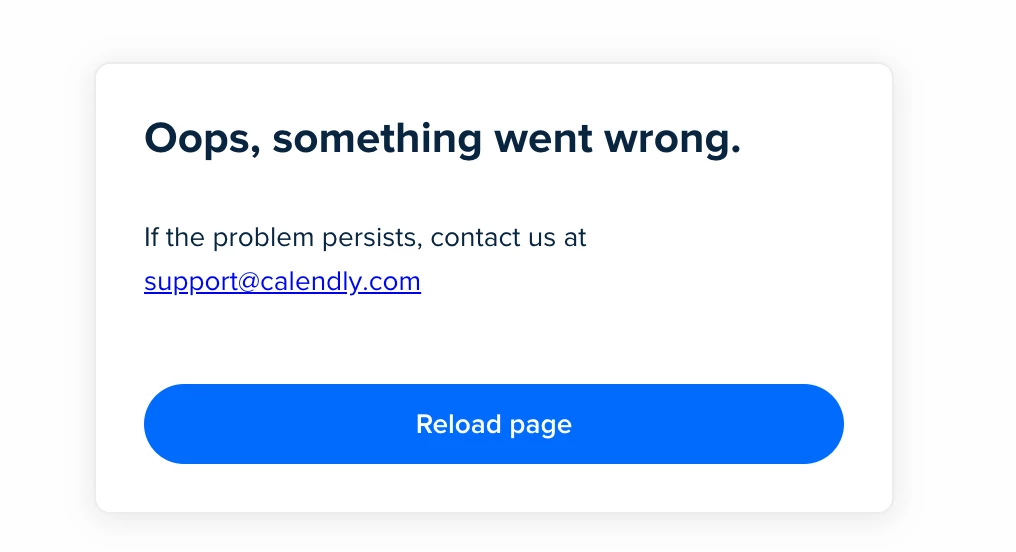
Whenever I try to embed or open Calendly, I receive the following error message:
“Oops, something went wrong. If the problem persists, contact us at [removed by moderator] ”
I have tried the following:
- Re-embedding the Calendly widget
- Clearing browser cache and testing on different browsers
- Checking my internet connection
- Trying different devices
But the issue still persists.
Could you please help me understand:
- Why this error is occurring?
- How can I fix it?
- Is there any restriction or setting I need to configure in my Calendly account or embed code?
Looking forward to your support.
Thank you in advance.
Best regards,
JD The Web