
Question

New interface broken in mobile

  • June 17, 2026
  • 4 replies
  • 73 views

angeliti

Hello!

When I check my scheduled meetings on mobile web and click on the Filter button to display also Cancelled meetings, the interface is cut and I cannot do anything:
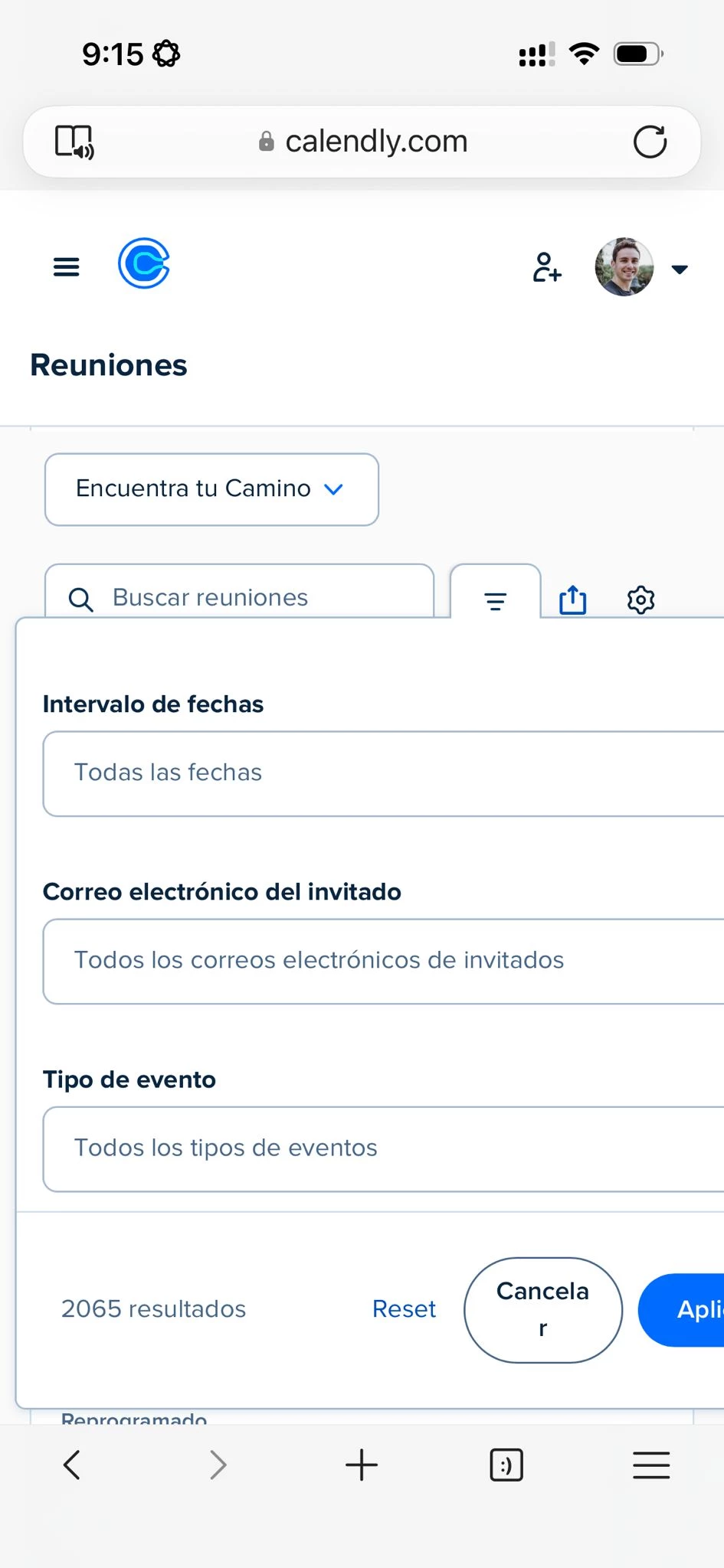


Could you please fix this?

Thanks!
Ángel.-

P.S. I miss the old interface. In my opinion it was much better 😔

4 replies

David
Community Manager
  • Community Manager
  • June 17, 2026

Hey ​@angeliti - Our team is aware of the issue and is working on it! I appreciate you bringing this to our attention.

Could you share more about what you don’t like about the new interface? Would love to get this over to our team. :)


angeliti
  • Author
  • Community Member
  • June 18, 2026

I wrote a long message with feedback about the new interface, but when I sent it I got a message “Something went wrong” and it disappeared.

Did you receive it?

The community has moderation, so I can’t see if it got through or it got lost, which would be a pity...


David
Community Manager
  • Community Manager
  • June 23, 2026

Hey ​@angeliti - Unfortunately, it looks like it got lost this time around. So sorry!

Either way, we do really appreciate all the feedback you’ve given us over the past couple weeks, it doesn’t go unnoticed!

Let me know if you have any other questions or feedback :)


angeliti
  • Author
  • Community Member
  • July 1, 2026

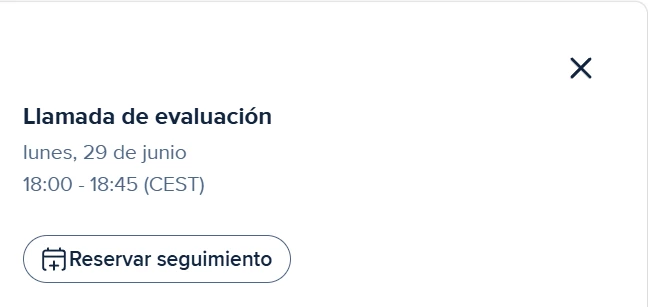
So one of the things I miss in the new interface is the “Schedule again” button on finished or cancelled/no show meetings.

Right now, when a meeting is over, Calendly only shows you a “Schedule follow-up meeting” button:


This button creates a new meeting of the same type as the original event, but without any info (all the questions, even mandatory ones, appear blank).

The problem is that:
1. That new event with all the questions blank breaks my automations, because they expect the answers from the user (as they are requiered questions)
2. 99% of the time I don’t want to schedule a follow-up meeting. What I want is to recreate the original meeting, because what happened is that the prospect had to cancel in the last minute because something came up or they forgot about the meeting or whatever. So I just want to recreated the event at a different date and time

In the old interface there was a button that let you do just that. You click on “Schedule again” (or something like that, I don’t remember the exact text) and then Calendly would take you to the event creation page but all the question would be pre-filled with the data from the original event. So you only had to choose a new date and time and the meeting would be rescheduled. This cannot be done anymore 😔